
NL |
FR |
EN |
DE
Back to login
A renewed, faster and more reliable ServiceOrder.digital is on its way, rebuilt on modern technology. Below is an overview of what's new, so you can get ready for the switch — and this is only the beginning.
What's new in version 4
ServiceOrder.digital version 4 has been rebuilt using the latest web-app technologies. Technically, we moved from PHP to Next.js (React) + Node.js.
This makes the app much faster and more reliable, and opens the door to future developments that simply weren't possible before.
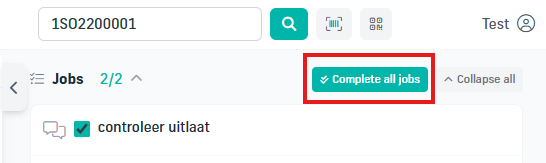
When a mechanic has finished all the jobs, they can now flag them all as done at once with the “Complete all jobs” button.
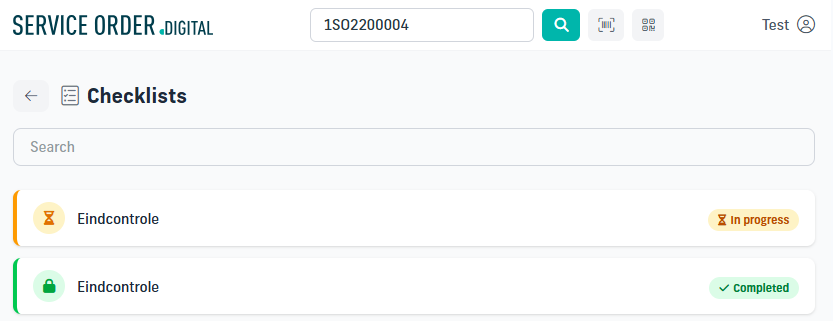
In the checklist overview you can now see when a checklist has been started but not yet finished.
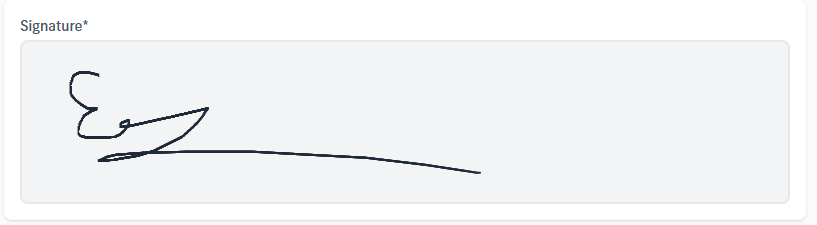
A new question type has been added to the checklists: you can now capture a signature from the mechanic or the person responsible.
Once the quantity is filled in, the list of jobs appears. When a quantity is filled in AND a job is selected, the Confirm button appears in the bottom-right corner.
That button always stays in the same place, no matter how long the parts list is — no more scrolling to reach it.
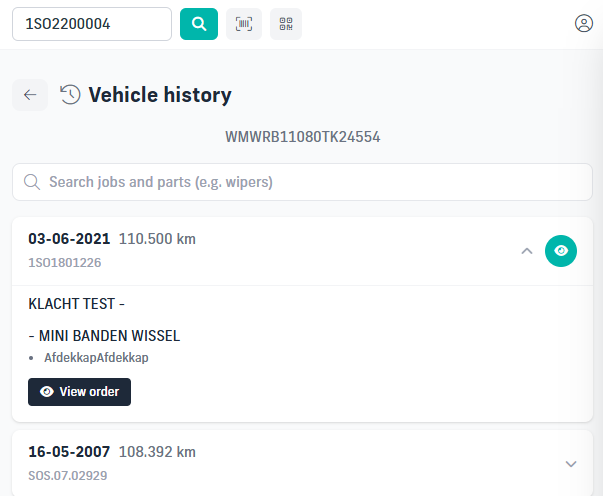
When you press the “View order” button or its icon in the vehicle history, the order now pops up on the right side of the page. The most important information is shown there, and if you still want the full-page view like before, the “Open in new tab” option remains available.
A search bar has also been added so you can search for a job, item or labour line.
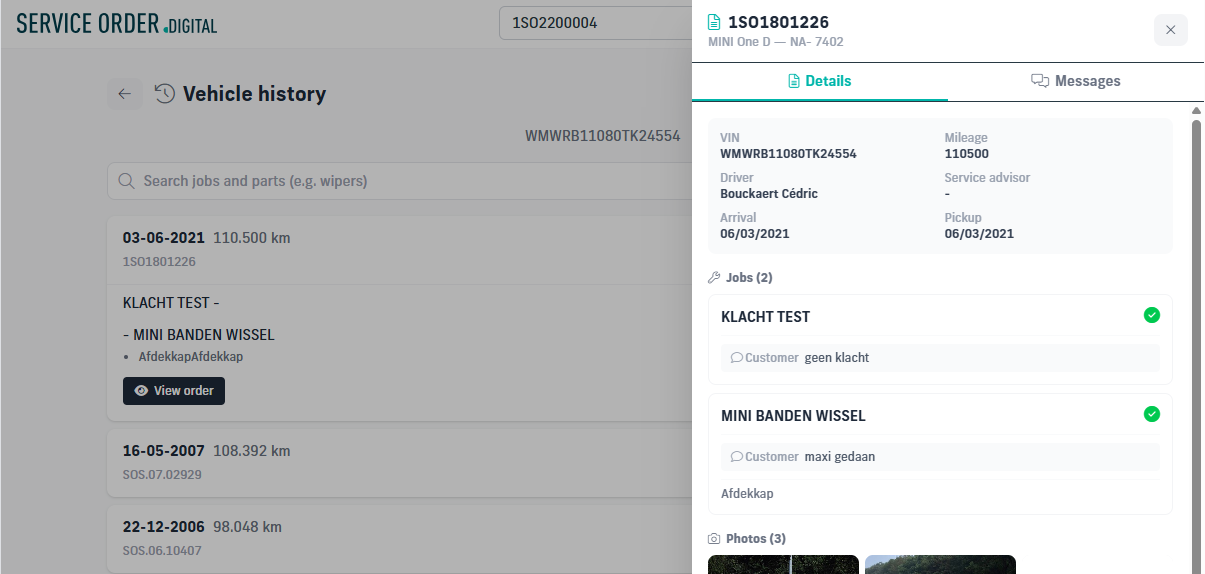
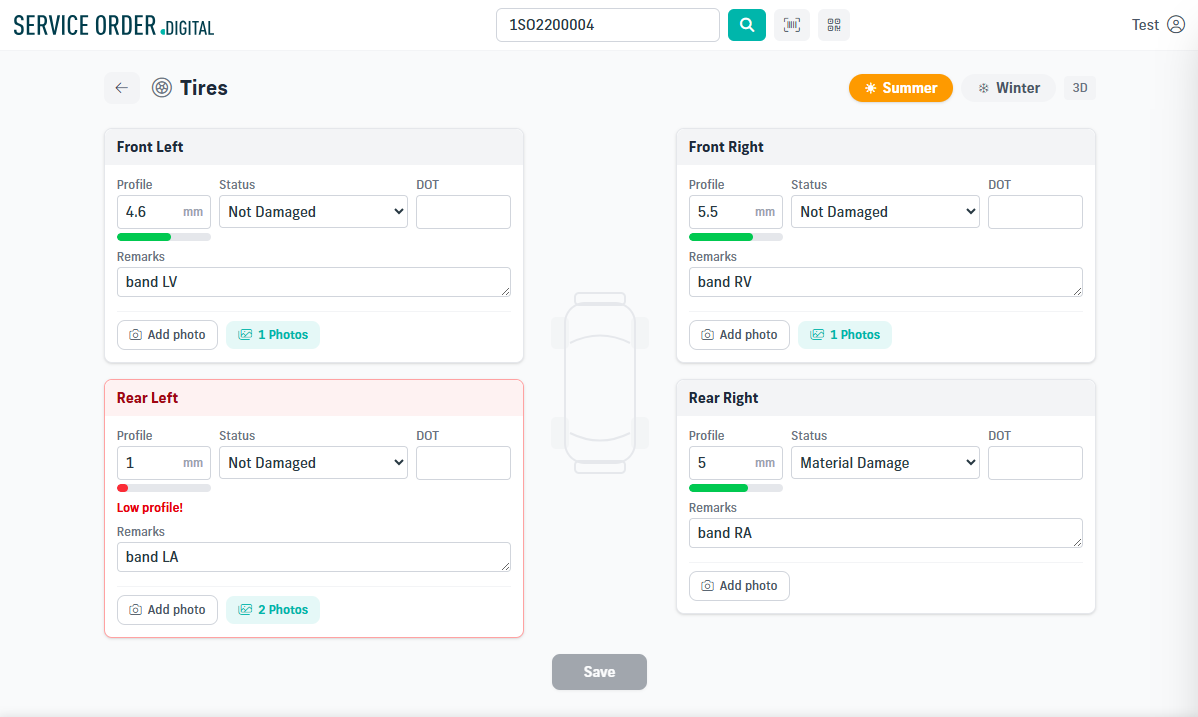
Some small visual enhancements have been applied, such as the profile-depth colour bar.
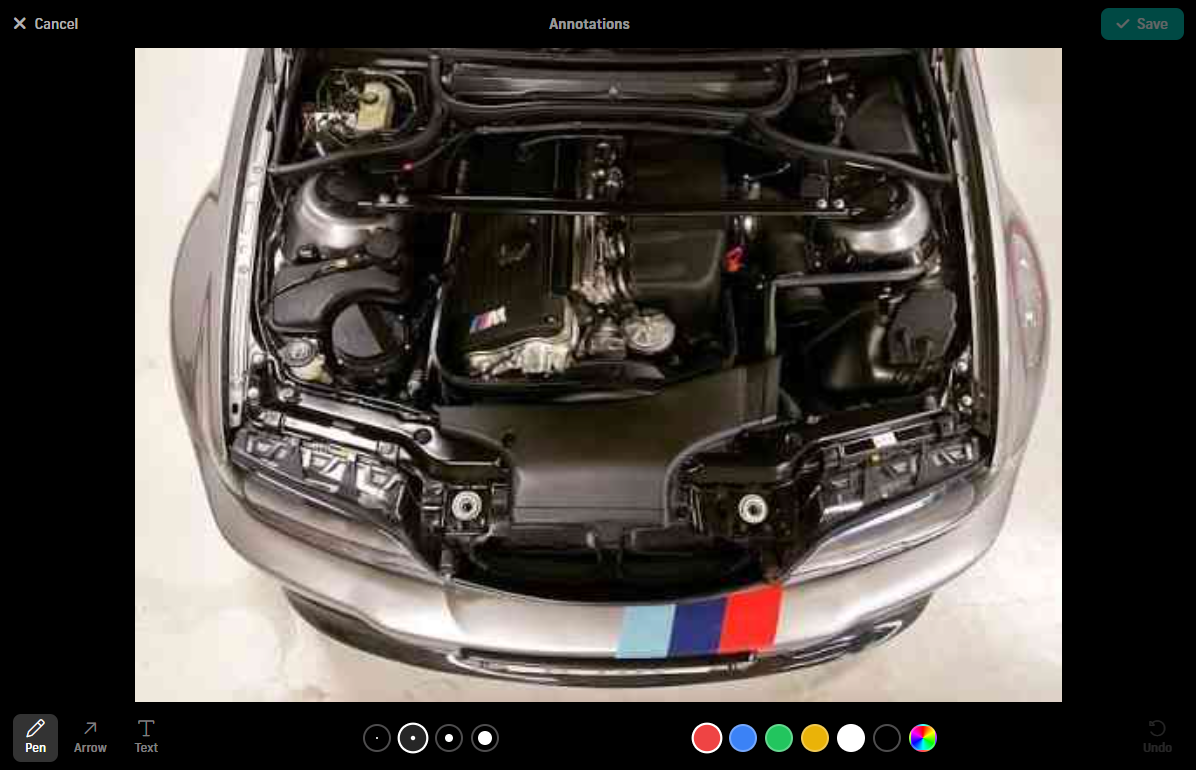
A new picture editor makes it easier to add text, arrows or free drawing to an image.
Six predefined colours are available by default, and you can always pick another colour with the colour picker.
You can also choose the line thickness from four predefined options.
The message history has moved from the bottom of the main order page to its own message page, for better visibility.
This is a first step towards two-way communication.
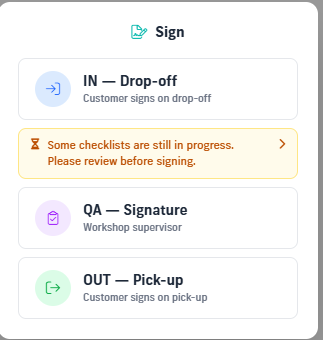
When you sign the QA, a warning is shown if a checklist is still unfinished (In Progress).
Clicking the yellow-highlighted message takes you straight to the list of checklists (see “Checklist in progress”).
A dark mode has been added for everyone who prefers to work in a darker interface.
When you type a remark, the text box now grows automatically to avoid a scrollbar. It takes your screen size into account, so a scrollbar only appears once the maximum height is reached.
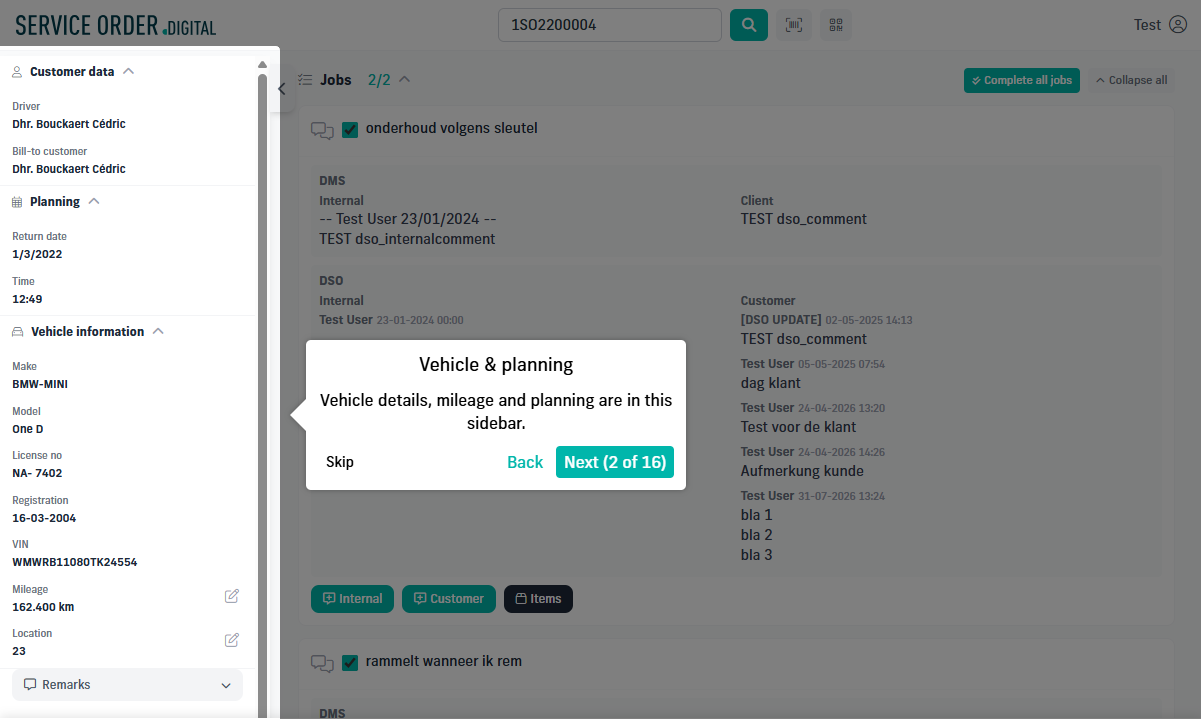
A new guided tour has been added as a quick tutorial for DSO, making it easier for new users to find their way.
Step by step, you are guided through the page with explanations of the various fields, buttons and functions.
Many security improvements have been made behind the scenes to stay in line with the latest standards and to be future-proof.
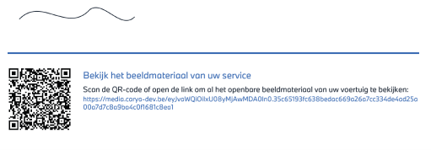
When a customer signs out and 'customer-visible' media are available, the PDF now contains a QR code and a clickable link to a new page showing all the photos and videos.
And many more new features to come in 2026…
No internet connection